
Most Salesforce Projects Fail Before the Build Even Starts
A company buys Salesforce, hires a partner, goes live on schedule. Six months later, the sales team is back on spreadsheets. The system works. Nobody uses it.
Technology was never the problem. The preparation was.
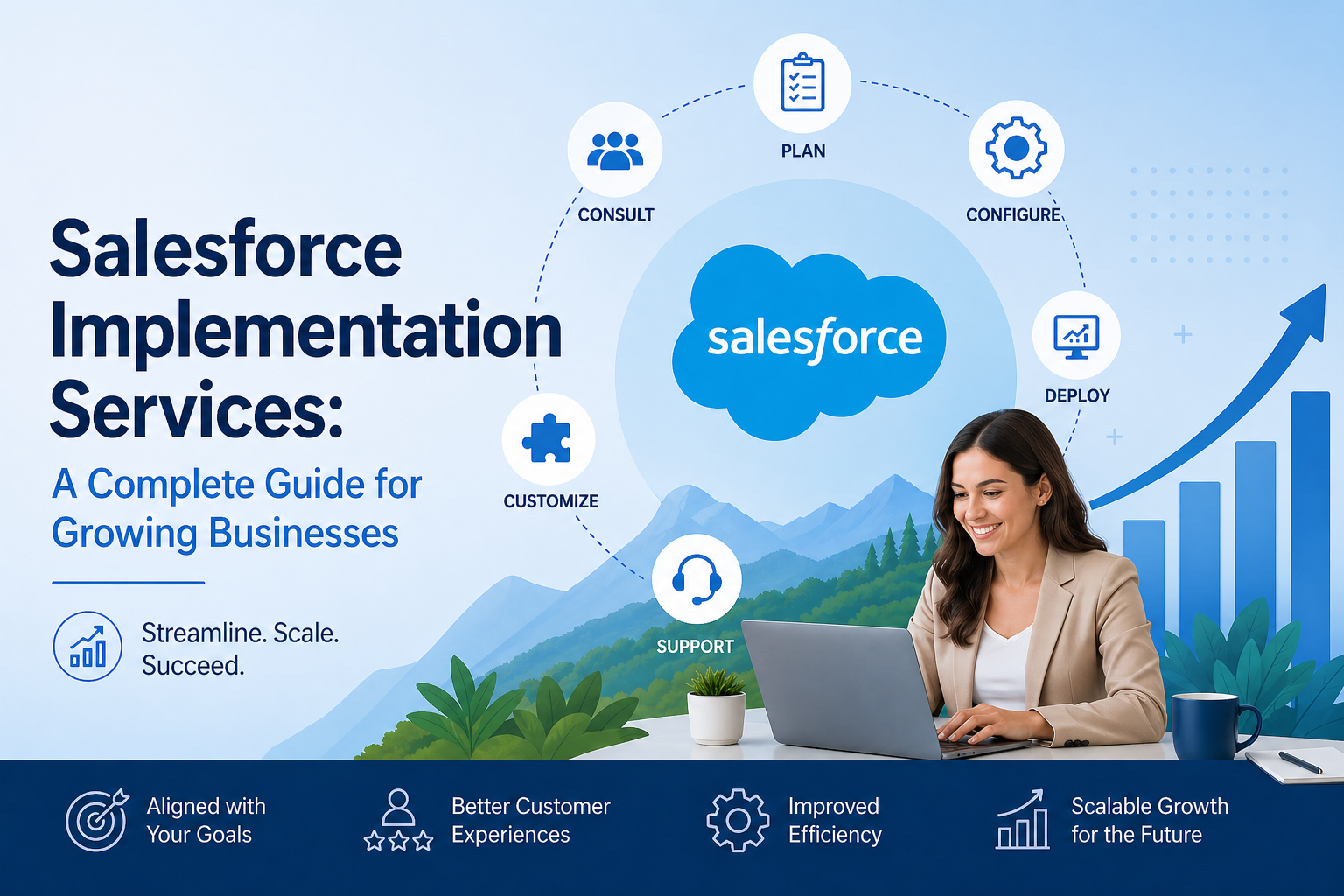
This guide covers what a Salesforce implementation really involves — the phases, the cost drivers, the mistakes that derail projects, and what to look for in a partner.
| Between 30% and 70% of CRM implementations underperform after go-live. The gap is almost always in preparation, training, or post-launch support — not the platform itself. |
What Salesforce Implementation Actually Involves
Implementation is not a setup task. It is the process of rebuilding how your business manages customers — shaped around your processes, your data, and your people.
A proper implementation covers:
- Mapping current processes and identifying where they need to change
- Designing the Salesforce structure around your business — not a template
- Configuring and building the platform to match real requirements
- Cleaning and migrating data from your existing systems
- Integrating Salesforce with ERP, billing, support, and marketing tools
- Training every user in the context of their actual job
- Supporting the business through go-live and the weeks that follow
The scope also depends on which products you implement. Sales Cloud manages pipeline and revenue. Service Cloud handles customer support. Marketing Cloud runs campaigns and journeys. Multi-cloud projects need architectural planning from day one.
The Seven Phases of a Salesforce Implementation
Every implementation we run follows the same phases. None of them can be skipped. Compressing any phase creates problems that cost far more to fix than they would have cost to do right.
Phase 1: Discovery — Know the Business Before You Build Anything
This phase makes or breaks everything that follows. Before a single field is created, the team needs to understand how your business actually operates — not how it looks in a process document.
We run workshops with sales, service, operations, finance, and leadership. We map current processes, audit data quality, and document what each team needs.
Discovery answers:
- Where are current processes breaking down?
- What data exists today, and how clean is it?
- Which systems need to connect with Salesforce?
- What does success look like for each team?
| One client came to us after a failed first implementation. The previous partner skipped Discovery and went straight into build. Four months later, the sales team said the system did not match how they worked. The project had to start over — and cost more than the original. |
Phase 2: Solution Design — The Blueprint for Your Salesforce Org
Once requirements are clear, we design the solution. This covers the data model, security setup, automation strategy, and integration architecture.
These decisions have long-term consequences. A weak data model creates reporting gaps as the business grows. Over-engineered automation becomes expensive to maintain.
We walk clients through every key design decision in their language. You should understand what is being built and why — not just be asked to approve a document.
Phase 3: Configuration and Build — Where Salesforce Gets Built
The team configures Salesforce to reflect your business.
We always start with standard configuration. Salesforce handles most requirements without custom code. But when business logic is genuinely complex then custom Apex development is the right answer.
| Approach | Best Used When | Trade-Off |
|---|---|---|
| Standard Configuration | Common processes Salesforce natively supports | Fast, low cost, easy to maintain |
| Salesforce Flow | Multi-step automation without custom code | Powerful, needs admin skill to manage |
| Custom Code | Complex logic standard features cannot handle | Flexible, adds maintenance responsibility |
| AppExchange Solutions | Specific needs with ready-built tools available | Faster to deploy, adds licensing cost |
Phase 4: Data Migration — Bringing Your History Across
Data migration runs alongside the build and is almost always underestimated. Your existing data needs to be extracted, cleaned, mapped, and loaded into Salesforce.
Migration involves:
- Mapping every source field to the right Salesforce object
- Deduplicating and standardising records before they move
- Running test migrations in a sandbox before touching production
- Deciding what to migrate, what to archive, and what to discard
Phase 5: Testing — Catch Problems Before Your Users Do
Testing is not just a technical step.
It protects your operations, reporting accuracy, and team confidence.
A structured testing approach usually includes three layers:
- Functional testing – Confirms that each feature works as planned.
- Integration testing – Ensures different systems exchange data correctly.
- User Acceptance Testing (UAT) – Validates the system in real working conditions.
For the business team, UAT is the most critical stage.
During UAT, actual employees use the system as part of their normal routines. They simulate real customer conversations, approvals, reporting reviews, and operational scenarios.
What UAT Often Reveals
- A workflow that works during controlled testing but fails in an uncommon real-life situation
- A dashboard that shows accurate numbers but does not help managers make clear decisions
- A process that is correct in logic but requires too many steps for daily efficiency
- Connected systems that work well individually but create duplicate records when operating together
These are not technical failures, They are operational gaps.
If left unresolved, they slow teams down. They create frustration. They reduce trust in the system.
Correcting these issues before launch costs far less than fixing them after teams start depending on the system.
More importantly, it protects credibility.
Once employees lose confidence in a system, adoption drops quickly. Rebuilding that trust requires far more effort than preventing the problem in the first place.
Phase 6: Training — The Phase That Decides Whether This Was Worth It
Training is the most underinvested phase in most implementations. Research shows 70% of information from a one-time session is forgotten within 24 hours. A single walkthrough the day before go-live is not training. It is a presentation.
Role-based training works. Each group learns Salesforce through the lens of their actual job:
- Sales reps: managing pipeline, logging activity, progressing deals
- Service agents: opening, managing, and closing customer cases
- Sales managers: reviewing forecasts and using dashboards
- Admins: managing users, configuration changes, and common issues
Use your real Salesforce environment in training — not a generic demo org. And assign internal champions on each team. They do not need to be technical. They need to be trusted and well-supported.
| A Hitech company had a technically strong Salesforce build. Training was a two-hour session for everyone, the day before go-live. Six weeks later, fewer than 40% of users were logging activity. The system was right. The training was not. Recovery took four months of extra effort. |
Phase 7: Go-Live and Hypercare — The Phase Most Businesses Cut Short
Go-live is a milestone, not the finish line. The weeks that follow are just as important.
Hypercare is the intensive support period after launch — typically four to twelve weeks. The team stays closely engaged: monitoring performance, resolving issues fast, and helping the organisation stabilise.
No matter how thorough your testing, real usage always surfaces things a sandbox cannot predict. An integration that worked perfectly in testing behaves differently under production volume. A workflow signed off in UAT fails on an edge case no one thought to test.
A proper Hypercare period includes:
- Daily monitoring of system performance and integration health
- A dedicated support channel for fast issue resolution
- Weekly check-ins with team leads to track adoption
- Minor configuration adjustments based on real usage
- A clear handover plan to steady-state support
Businesses that end their partner engagement at go-live manage all of this alone. Confidence drops. Old habits return. Six months later, leadership is questioning the ROI. Budget for Hypercare from the start.
What Drives the Cost of a Salesforce Implementation
Cost depends on scope. But understanding what drives it puts you in control of decisions — not reacting to invoices.
| Cost Area | What It Covers | Nature |
|---|---|---|
| Salesforce Licenses | Per user, per cloud — Sales, Service, Marketing | Ongoing annual |
| Implementation Services | Discovery, design, build, testing, training, go-live | One-time project |
| Post-Launch Support | Hypercare, admin, and future enhancements | Ongoing |
What Pushes Costs Up
- Mid-project scope changes: Requirements that surface after Discovery ends require rework.
- Wrong partner: A cheaper quote built on poor architecture creates rework that far exceeds the saving.
- Underinvesting in training: Low adoption leads to re-training and reconfiguration. Businesses with strong change management see 40% higher adoption rates.
The Mistakes That Cause Implementations
Keeping the Business Side Out of the Project
When IT owns the implementation without real business involvement, the system reflects IT priorities — not how people actually work. Sales managers are not consulted on pipeline stages. Service leads are not part of the design. The system goes live and nobody recognises their own process in it.
Fix: appoint a business-side owner with real authority from day one.
Underestimating How Hard Change Is
Technology is usually the simpler part of transformation, Changing how people work is far more complex.
We have seen well-designed systems struggle because teams were not prepared for the shift. As a result, employees returned to spreadsheets and familiar tools because they felt faster and more comfortable.
Successful change depends on early and transparent communication. It also requires team-level champions who adopt the system first and set the standard for others.
In many cases, these human factors influence outcomes more than any technical configuration choice.
Using Custom Code Where Configuration Would Do
Custom development makes sense when business logic is truly complex.
If standard platform capabilities cannot realistically support a critical requirement, then tailored development becomes justified.
In those cases, custom code is not an enhancement. It is an enabler of necessary business functionality.
Treating Go-Live as the End
Go-live is the start of adoption, not the end of the project. Without Hypercare support, early frustrations go unresolved, confidence drops, and old habits return. The investment in implementation only translates into value if the business is supported through the transition.
How to Choose the Right Salesforce Partner
Certifications prove that someone has passed exams, they do not prove the ability to solve your specific business challenges.
The real difference between an average partner and a strong one lies in their approach, transparency, and delivery discipline.
Here is what truly matters:
- They conduct proper discovery before providing a quote — not after the contract is signed.
- They provide references from clients in your industry — not just a slide with brand logos.
- They highlight risks early — before they become expensive problems.
- They explain design decisions in business language.
- They define a clear post-launch support model.
- You meet the actual delivery team before signing — not only the sales team.
Choosing a partner is not just about technical capability, It is about governance, communication, and shared ownership of outcomes.
| Green Flags | Red Flags |
|---|---|
| Structured Discovery before any proposal | Detailed quote sent after a single call |
| Industry references available on request | Only generic case studies on the website |
| Honest about risks and unknowns upfront | Promises a smooth, straightforward delivery |
| Clear Hypercare plan with defined SLAs | Vague or silent on post-go-live support |
| Delivery team introduced before signing | Senior staff visible only during the pitch |
| Recommends configuration before custom code | Defaults to development for every requirement |
What to Expect After Go-Live
First Few Weeks — Busy and Normal
Your team will have questions. Some processes will need minor adjustments. Workflows that performed well in testing may behave slightly differently under real-world conditions.
This is normal.
Every organisation experiences a short stabilization period after implementation. What matters most is how quickly issues are addressed and how clearly teams are supported.
During this phase, focus on:
- Responding quickly to user concerns
- Fixing small gaps before they grow
- Monitoring how the system is being used
- Reinforcing confidence across teams
Fast support during this period builds long-term trust.
Three to Six Months — Where Value Becomes Visible
This is when measurable benefits start to appear.
Sales data becomes more reliable. Managers review forecasts without chasing updates. Service teams track performance without manual spreadsheets.
Leaders gain clearer visibility into operations. Decisions become more data-driven and less dependent on assumptions, this is also the right time to think about the next phase.
Rather than expanding everything at once, successful organisations grow in stages. They may:
- Automate additional processes
- Extend the system to another team
- Improve reporting and analytics
- Connect more business tools
Phased growth typically leads to stronger adoption and better results.
Long Term — ROI That Compounds Over Time
The strongest returns come from continuous improvement, not from the launch itself.
Organisations that see lasting value treat the system as an evolving business asset. They refine processes as the company grows. They review performance regularly. They make improvements before problems become visible.
Sustained return on investment depends on:
- Clear ownership
- Regular review cycles
- Ongoing user feedback
- Leadership involvement
Technology provides the foundation, consistent operational focus turns it into long-term business value.
| The businesses that see the best long-term returns are not always the ones that spent the most. They are the ones that stayed engaged — with the platform, with their users, and with continuous improvement — well after go-live. |
Before You Start — Four Questions Worth Answering First
Answer these honestly before engaging any partner:
- What business outcomes are you trying to achieve — not features, but real revenue or operational results?
- What does your current data look like, and how confident are you in its quality?
- Who internally will own this project and champion adoption across the business?
- What is your organisation’s realistic capacity to change right now?
These answers shape every decision that follows — scope, partner choice, and what preparation needs to happen before the project begins.
The businesses that succeed with Salesforce go in prepared. They choose partners who are honest with them. And they treat go-live as a beginning, not an ending.
If you want to talk through your situation before making any decisions, we are happy to have that conversation. No pitch. Just an honest discussion.